CityDashBoard TalesofThings MapTube
Qrator Tutorials About Digital Urban
MRes ASAV SurveyMapper Contact Us

2006-06-30

Google Earth Killer (again)


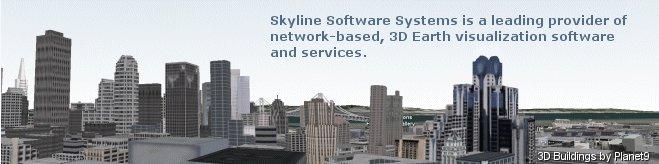
CNet have a great video of the new Skyline Globe software. According to their press release Skyline Globe will have unique features such as community and collaboration tools, realistic 3D cities, live video and open interfaces to create a powerful platform.

Interestingly the 3D models seem to be supplied by Planet9 which some may remember from the old days of building cities in VRML2.0.

The Video is impressive but as with unofficial view of ESRI that Google Earth is the new Netsape the additional take that Skyline is a Google Earth beater maybe premature. Their TerraExplorer software was interesting but blocked off to the outside world wanting to develop models.

We met with Skyline a few years ago and were informed (in no uncertain terms) that we could not use their software in any way shape or form to import models unless we signed up. Skyline Globe seems to have free tools but it will be interesting to see how open to the development community they now are.

Interesting times ahead but I think we can be sure that Google are looking into video on terrain and buildings asap. If they can link it in with Flash and YouTube we know which software we will be running with.

Panorama Movie with Ray Tracing in 3DMax

Continuing our series of 'Step Inside' Globes below is a movie created from a panorama of the Bank of England.


Using Ray Tracing inside 3D Studio Max it is possible to create movies with a logo embedded on a central sphere while reflecting the panoramic image. Combined with a number of panoramas as in our previous post this can be of use for marketing and tourism visualisation...(?)

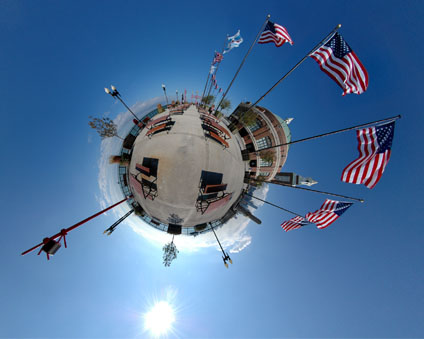
Free Urban Wallpaper - The American Flag


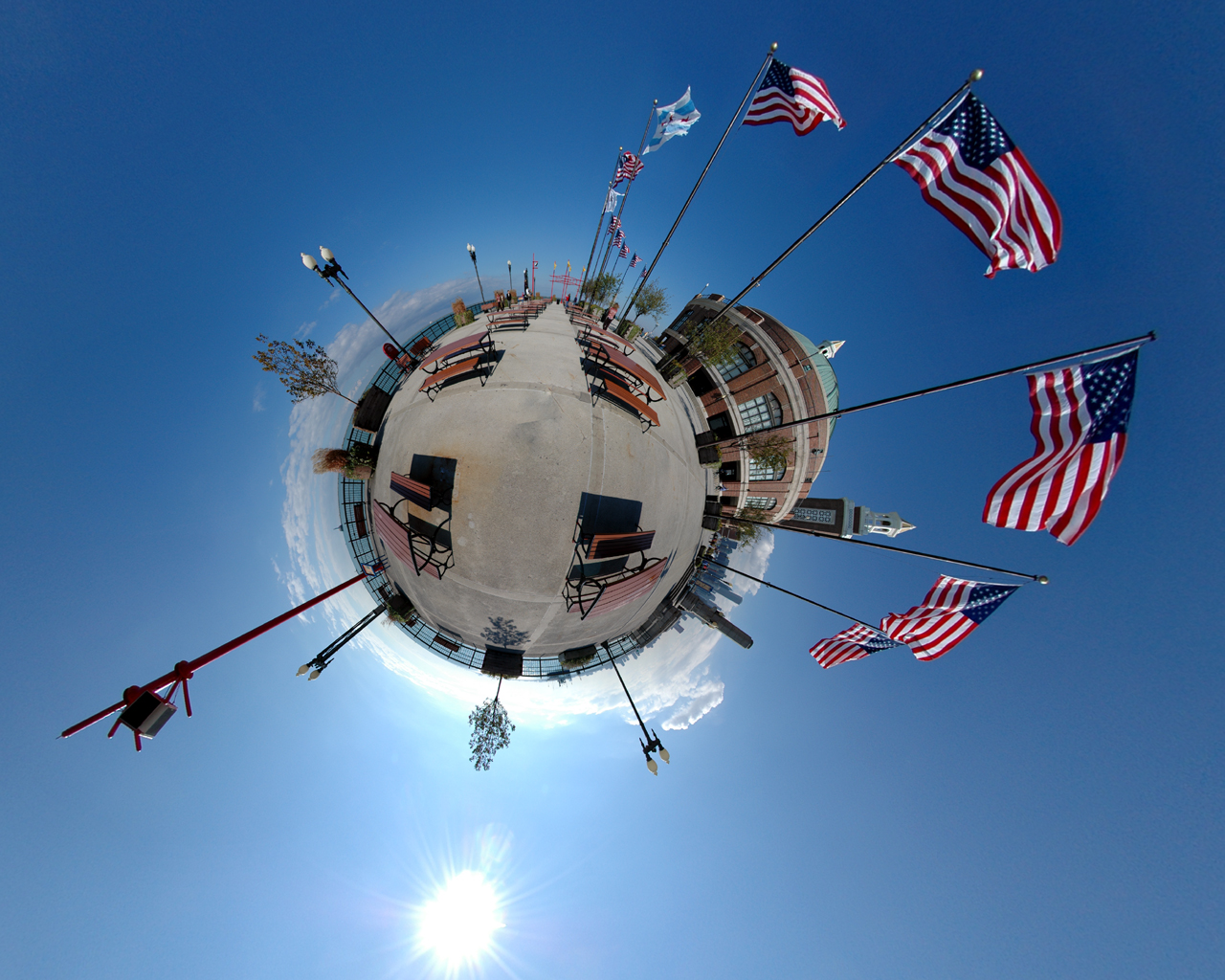
The image taken at the end of the Navy Pier in Chicago is one of our favourite panoramas on Digital Urban. As the result of a request it is now available as wall paper at 1280 x1024 resolution. As ever, we know there are any number of monitor sizes nowadays so if you see a image you like in our 'Gallery' just drop us a mail with your resolution and image choice and we will put it online.

You can view the above image in 1280x1024 here, simply right click to set as your background.

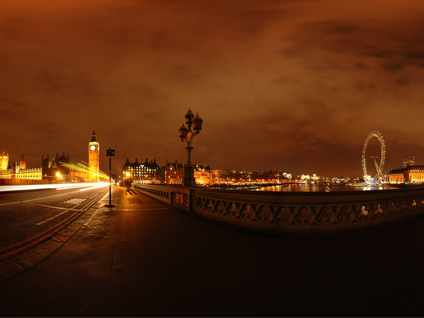
Free Urban Wallpaper


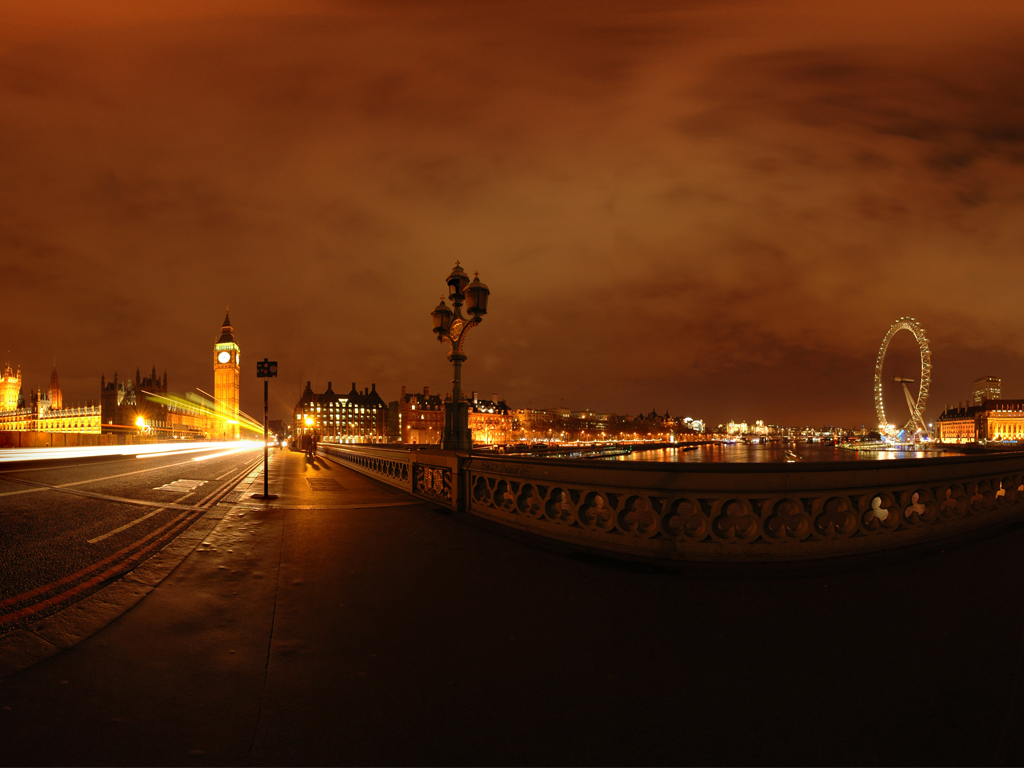
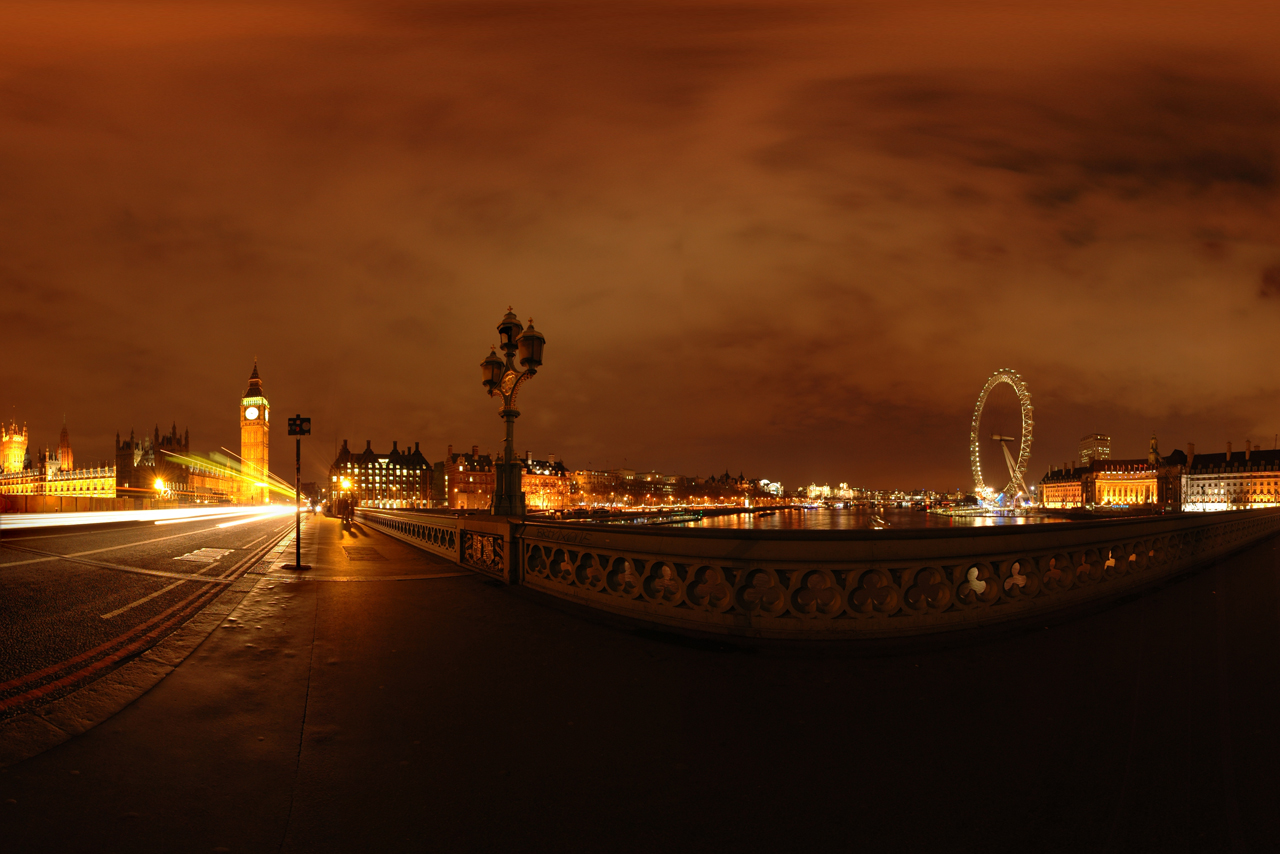
We have had a few request to use our images as wallpaper so here is the first of a possible series of unique views of the urban environment resized to 1024x768 and 1280x854.

We know there are any number of monitor sizes nowadays so if you see a image you like in our 'Gallery' just drop us a mail with your resolution and image choice and we will put it online.

You can view the above image in 1024x768 here, simply right click to set as your background.

As requested in the comment box the image is now also available at 1280x854...

2006-06-29

Visualising Panoramas - Step Inside a Globe

This a revisit to a lost post now updated with YouTube and audio. Visualising panoramas is normally via QuickTime or Java and simply clicking to look around, but if you put them in a x/y/z space you can create an environment to 'step inside them'.


The movie shows the concept and we are close to getting it to work in Google Earth...

In the meantime we hope you enjoy the movie 'stepping inside' the Bank of England, Southwark Cathedral and other London locations.

Hopefully some test kmz files will follow soon.

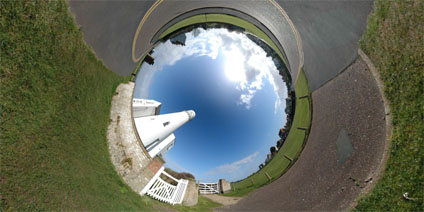
Not an Urban Panorama 2 - The Lighthouse


Continuing the 'why am i sat in the basement theme' of the previous post we present 'The Lighthouse'.

All we now need is an ice cream van and we are virtually there..

View the Quicktime panorama of the Lighthouse (2.9mb).

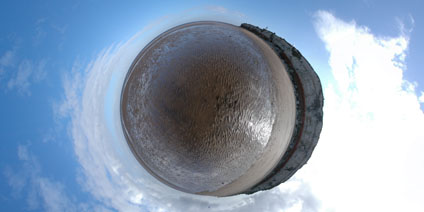
Not an Urban Panorama - The Beach


On a hot summers day when your stuck in the basement of a research lab ones mind can occasionally turn to outside the city. Thus the inclusion of a beach panorama to Digital Urban.

It may not be urban but it sure looks better than the basement at the moment...

View the Quicktime panorama of the Beach (2.9mb).

2006-06-28

Google Earth Drift Monitor


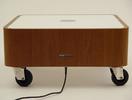
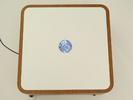
A while ago UCL built a 'Drift Table' pictured above that allowed the user to float slowly over high resolution imagery of the United Kingdom. Google Earth has changed many concepts of digital geography one of which is the ability to 'drift' over the globe without a high powered table from Computer Science.

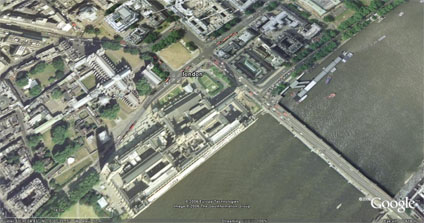
One of my favourite, if frivolous, uses of Google Earth is to use a flick of the mouse while dragging to set Google Earth on a slow drift. It works best if you hover to about 600 metres, add a slight tilt to the view and then set it running.


Its a complete waste of bandwidth of course but if run Google Earth in full screen mode and combine it with a 40 inch monitor it creates a great talking point as the high resolution imagery floats on a random path around the globe.

Maybe its just me... but its kind of neat to have your own drift monitor to look up to now and again to see where on earth the image is from. The next scale up would be to mount the monitor in a table and create the ultimate office/home talking point....

2006-06-27

Rapid Architecture - St Pauls London LiDAR Movie / Google Earth (?)

Continuing in the first stages of our work funded by London Connects to extend the London model to the cities extent we are working with Raw Lidar Data (LIght Detection And Ranging) - take a look at Lidar.com for more info.


The movie shows a flythough detailing St Paul's in London at 1 metre resolution. Normally we average out the heights according to building outline but as raw data it produces an interesting visualisation of the surface of London. Depending on permissions it would be interesting to import this surface into Google Earth as its basically a Digital Terrain Model for buildings... updates will follow.

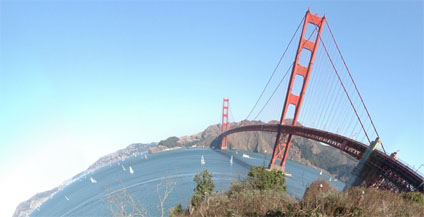
Golden Gate Bridge San Francisco Panorama


The Golden Gate Bridge suspension bridge spans the opening into San Francisco Bay from the Pacific Ocean. The entire bridge (including the approach) spans 1.7 miles (2.7 km) long; the distance between the towers ("main span") is 4,200 feet (1,280 m), and the clearance below the bridge is 220 ft (67 m) at mean high water.

The two towers rise 746 feet (227 m) above the water.

View the Quicktime panorama of the Golden Gate Bridge, San Francisco (3.4mb).

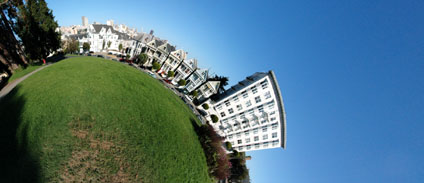
Alamo Square's "postcard row" San Francisco Panorama


The panorama was taken in the park overlooking Alamo Square in San Francisco, known as "postcard row". Postcard row consists of a series of Victorian houses with the stunning backdrop of the San Francisco skyscrapers.

View the Quicktime panorama of Postcard Row, San Francisco (3.3mb).

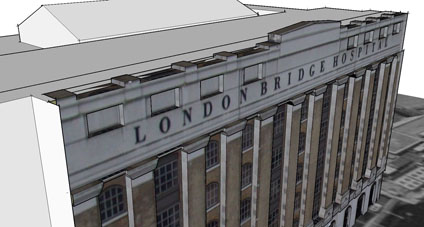
London Bridge Hospital Google Earth


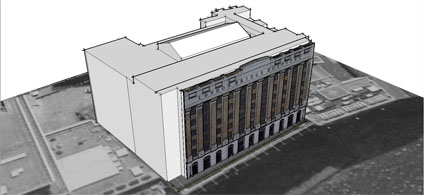
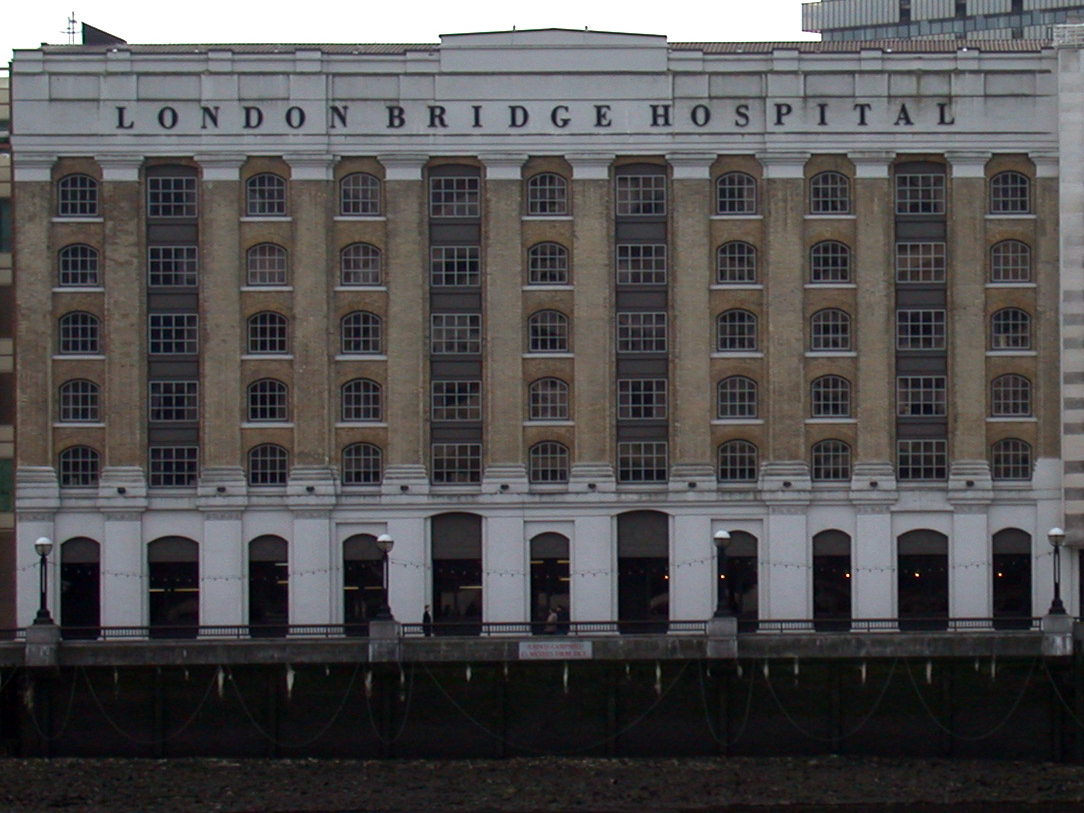
With our placement problems resolved (thanks to the comment from stfn in the previous post) we have uploaded a model of London Bridge Hospital. The model was created as a test a while ago with placing textures in Sketchup to extrude models from.


Photomodelling in Sketchup is quick and intuitive but does not provide accurate height measurement which is why we are developing a photo rectification tool to improve on this. In the mean time we have provided the facade photo (655k)we used for modeling so you can have a go yourself at creating the model, let us know how you get on or if its a help.

Maybe we need to do a 'tutorial' section on this so any feedback is welcome as ever.

You can download the kmz file to fly into the model in Google Earth here (660k)

2006-06-26

Model Placement in Google Earth 4 (Beta)


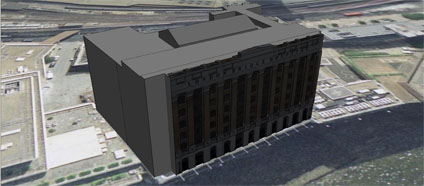
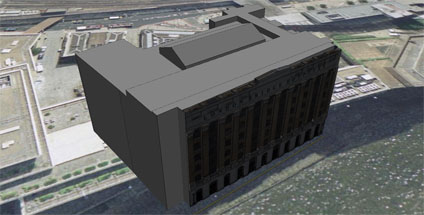
We were about to release a few of our older photomapped models and encountered a problem with placing the models in Google Earth. Using the standard Sketchup technique of grabbing a Google Earth location and then exporting results in a model a good 20 metres out of place.


Its all nicely lined up in Sketchup via Google Earth but when the files loaded its shifted. Terrain is on so the only thing we can think of is a slight bug somewhere in the process.

Any thoughts would be welcome.. and while we are here the lighting model in Google Earth looks like it needs a bit of a tweak to make sure the buildings are evenly lit. Its clear from our screengrab that the textures are coming in dark if they are facing north.....

RealViz VTour Review

There are times (albeit few and far between) when a new software package arrives on your desk that makes you sit back and smile. VTour by RealViz is one of those packages, simple to use with results that far out weigh the time spent producing them.

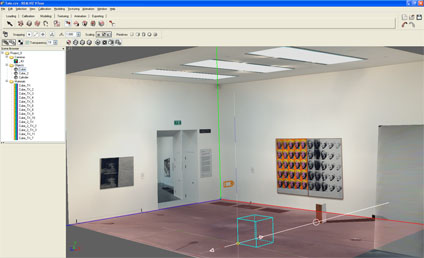
VTour is the latest in a series of software from RealViz aimed at the 3D Modelling/Panorama market to produce Virtual Tours. In essence it takes in 360x180 degree panoramas and allows the user to calibrate the scene in 3D.


A series of primitives can then be added to the scene allowing a model to be created and textured from the photograph. Once complete, the model is exported via a Shockwave viewer to allow free navigation or a movie with a pre-rendered flight path.

To illustrate this we have posted below, via YouTube, a 3D model of the Andy Warhol room in the Tate Modern. The scene, produced to show a quick example, took under 30 minutes to calibrate and model.


Indoor scenes are easy to calibrate whereas outdoor scenes are slightly more problematic. The RealViz website has a number of examples which are well worth viewing, especially the view of Oxford University. We have not however been able to replicate the quality of these models with our outdoor panoramas as the modelling seems to be suitable for certain types of scenes. We plan to add some more examples over the coming month as we get to grips with the tools.

So all well and good, until you get over the wow factor and then realise you cant export to any other 3D modelling package and can only work with a single panorama. We understand that VTour is not a high end modelling package, for that you need to go for Image Modeller, it just seems a shame that it has so much potential only to leave the modeller wanting more.

We recommend that you download their trial version and have a go yourself. Let us know how you get on and we will share your results. If Realviz can add some export options and the ability to model from multiple panoramas then VTour would become essential to anyone creating panoramas or virtual tours. At the moment its a one trick pony - but what a trick!

2006-06-23

Second Lifes Digital Metaverse

We have looked into Virtual Worlds in the past, concentrating on ActiveWorlds. Sadly ActiveWorlds doesn't seem to of evolved as many expected it would and other systems have come along using better graphical techniques and more important with a in built economy.


The above clip shows our first steps in Second Life, Business Week has a excellent article which is well worth a read. For the time being we are looking to see if its worth revisiting our 30 Days in ActiveWorlds project and the following papers but in Second Life:

1) 30 Days in ActiveWorlds - Community, Design and Terrorism in a Virtual World. The paper featuees as chapter 8 in the book 'The Social Life of Avatars', Ralph Schroeder (Editor), Springer-Verlag UK.

2) ActiveWorlds: Geography and Social Interaction in Virtual Reality, written with Ralph Schroeder and Avon Huxor, published in Futures, 33 (2001) 569-587.

If you have any thoughts come find me in Second Life - User name Smithee Bertrand....

2006-06-15

Sample Photomapping in Google Earth


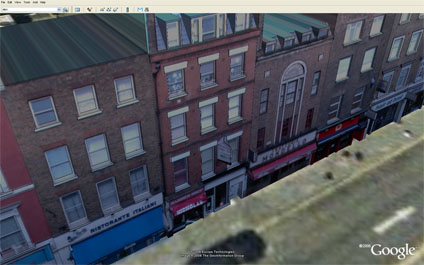
We have placed online a first draft output using our in-house software to obtain accurate height/facade data from photographic modelling. Using a camera calibrated algorithm we can ensure accurate placing of windows/doors etc to rapidly create city models.

With the beta version of Google Earth, these can then be easily imported and viewed. The software is currently being developed, if you would like further details please feel free to email.

You can download the kmz file to fly into the model in Google Earth here (4Mb)

2006-06-06

High Dynamic Range Panoramas - UCL Roof

Panoramas cover a complete 360 x 180 field of view and thus the image creation process has to take into account a range of lighting conditions which are at best averaged out over the entire scene. This process often results in a loss of detail in shadows or overblown exposures when photographing the sky or windows in the case of capturing an internal scene.

The quality of the image is further restricted by the cameras limited dynamic range when compared to the human eye - resulting in panoramas which often do not represent how the eye would naturally view a scene. To counter this we can use High Dynamic Range (HDR) imaging to capture a scene over a known number of exposure settings and thus create a series of images that reflect the dynamic range closer to that of human vision.

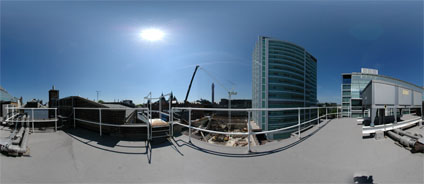
In our first test we have captured a view from the roof of University College London on a clear sunny day. This would normally result in dark shadows in sections of the image due to having to average the exposure over the whole panorama. A standard capture technique would result in the image displayed below:


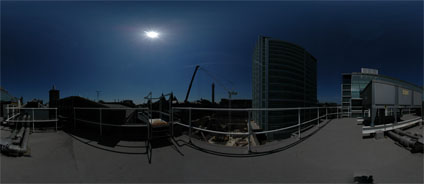
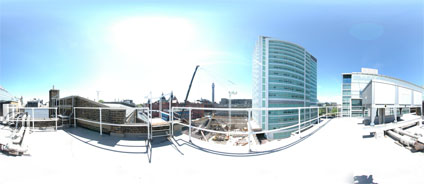
If we then capture a further two versions of the scene - both under and over exposed respectively - we can capture a wider dynamic range:


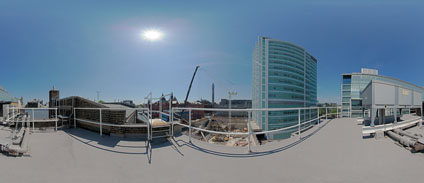
Using HDR software these images can then be Tone Mapped to create a final view which includes both the shadows and the highlights of the scene:


A total of 21 images were captured to create the panorama compared to the normal 6 for traditional techniqes.

View the final HDR panorama (2.2mb).